Waitlist now open. Stay tuned for updates!
Drawings, Markups & Collaboration Made Easy
Supercharge your productivity with professional-grade drawing and markup tools designed to be fast, intuitive, and efficient for architectural, engineering, and construction workflows.
At your fingertips
Linimo was designed to help you with the tasks you tackle every day: From concept sketches and cartoon sets, to organized drawing sets and as-builds — all in one fast, focused, application.
Speed and precision
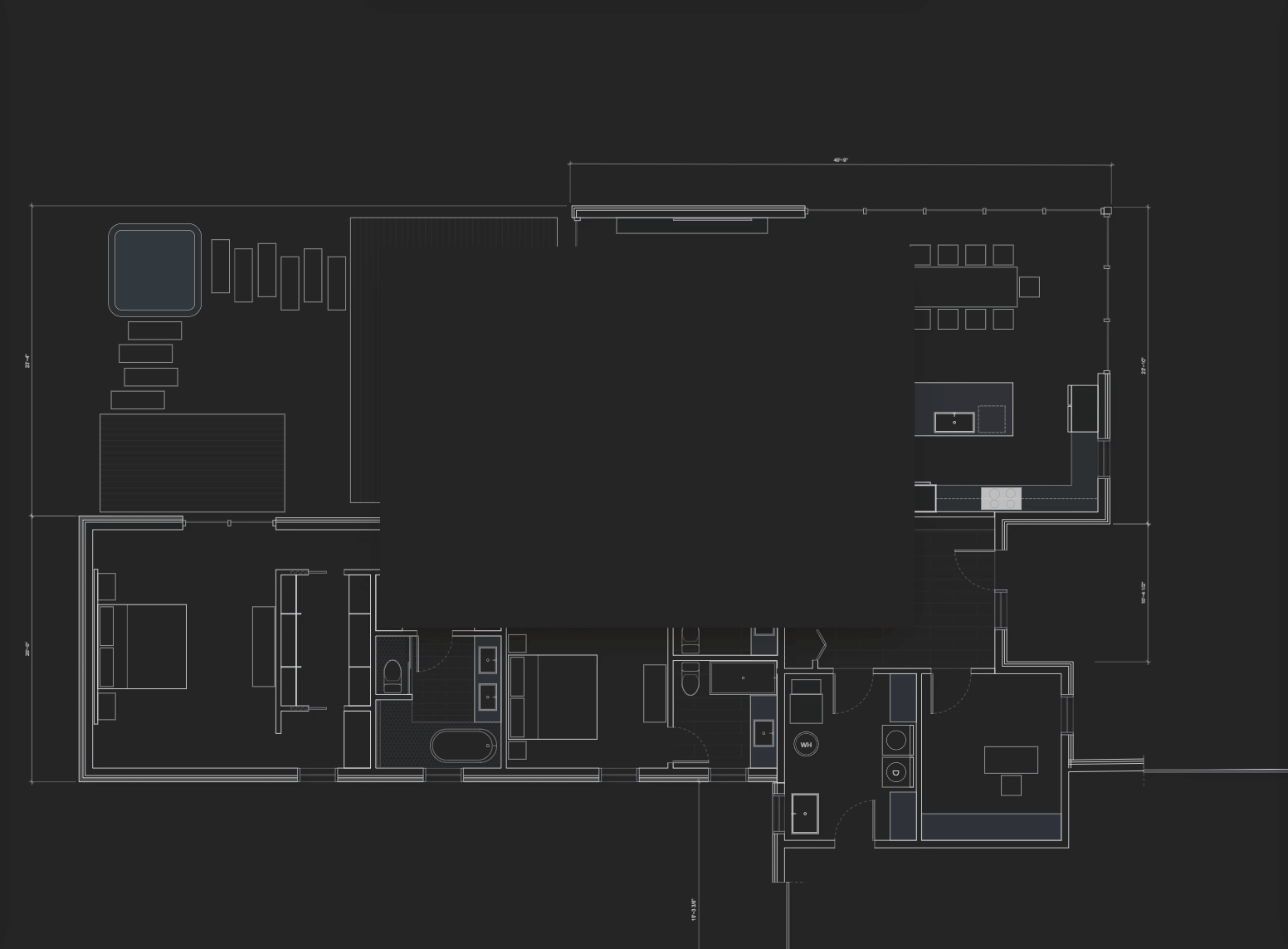
Generate dimensionally accurate concept sketches without the need to fire up your BIM or CAD application.
- Draw to scale with CAD-like precision
- Easily drag and drop vector objects from the built-in object library
- Enable rapid design iteration with parametric vector objects
- Save frequently used groups for easy reuse

Markups and take-offs
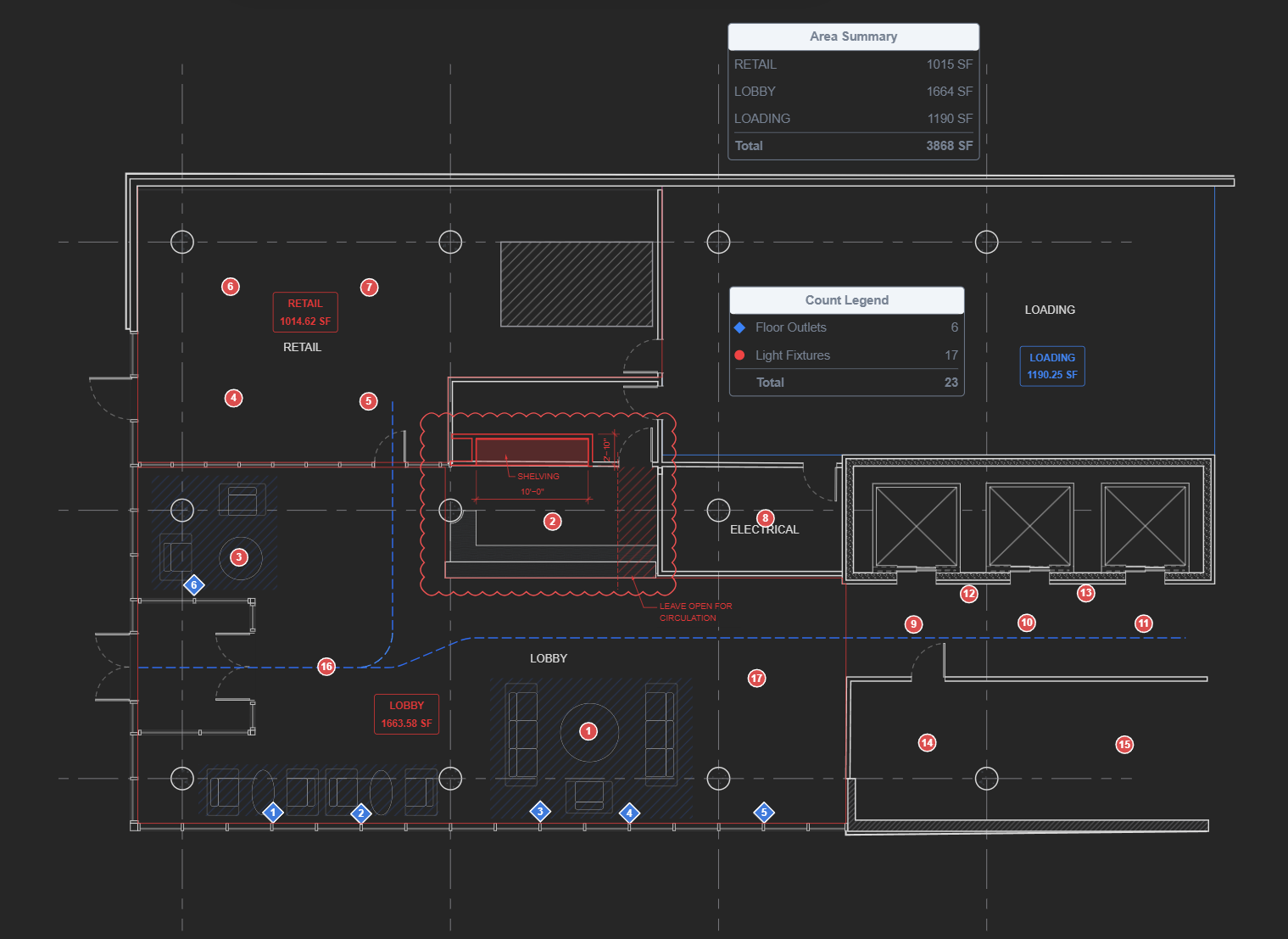
Redline PDF drawings, measure straight off the sheet, and pull quantities without guesswork.
- Drawing tools snap to PDF geometry for accurate areas and dimensions
- Perform quantity take-offs with count summaries
- Export summary tables to CSV files

Seamless collaboration
Add your team members to collaborate on projects. Send view-only links for one-click, hassle-free, sharing.1
- Invite clients and consultants to view or comment
- Commments and edits are synchronized immediately for live collaboration
- Connect your own cloud storage to keep your files secure1
Organized drawing sets
Always know which sheet is current — and issue the right set every time.
- Organize drawings with simple drag-and-drop operation
- Export any drawing set with a single click
- Keep your drawings on your server, or upload to your cloud storage for access anywhere1
Upgrade your Workflow
From Concept
to as-builds
Draw, collaborate, and keep every drawing set in one place.
Concept Sketch
Draw concept plans quickly and easily, to scale, with accurate areas and dimensions without having to fire up your BIM or CAD software.
Share with Collaborators
Easily share your concept plans with team members and stakeholders for real-time feedback and collaboration directly within the platform; skip the exports, uploads, and emails.
Keep Sets in Order
Every sketch and markup lands in the project it belongs to, so the current set is ready the moment you need it — on site, on a call, or issuing to the team.
- 1 Cloud storage integration connects Linimo to your own Google Drive or Microsoft OneDrive account, so your drawings stay in storage you own and control. An active account with the respective provider is required. Google Drive is a trademark of Google LLC and OneDrive is a trademark of Microsoft Corporation; neither company is affiliated with, sponsors, or endorses Linimo. Your use of those services remains subject to their own terms of service and privacy policies.
- 2 Linimo runs in the browser. For the best performance and full feature availability we recommend the latest version of a Chromium-based browser such as Google Chrome, Microsoft Edge, Brave, or Opera. Some features may be limited or unavailable on other browsers or on older versions.