The waitlist is now open.
Drawings, Markups & Collaboration Made Easy
Linimo is a fast, web-based workspace for architects, engineers, and builders. Draw concept plans without opening CAD, redline PDFs with real measurements, collaborate in real time, and issue the right set — from one place.
every day
Linimo helps you with the tasks you tackle every day: concept sketches and cartoon sets, redlines and takeoffs, and the drawing sets that go out the door — all in one focused application.
Speed and precision
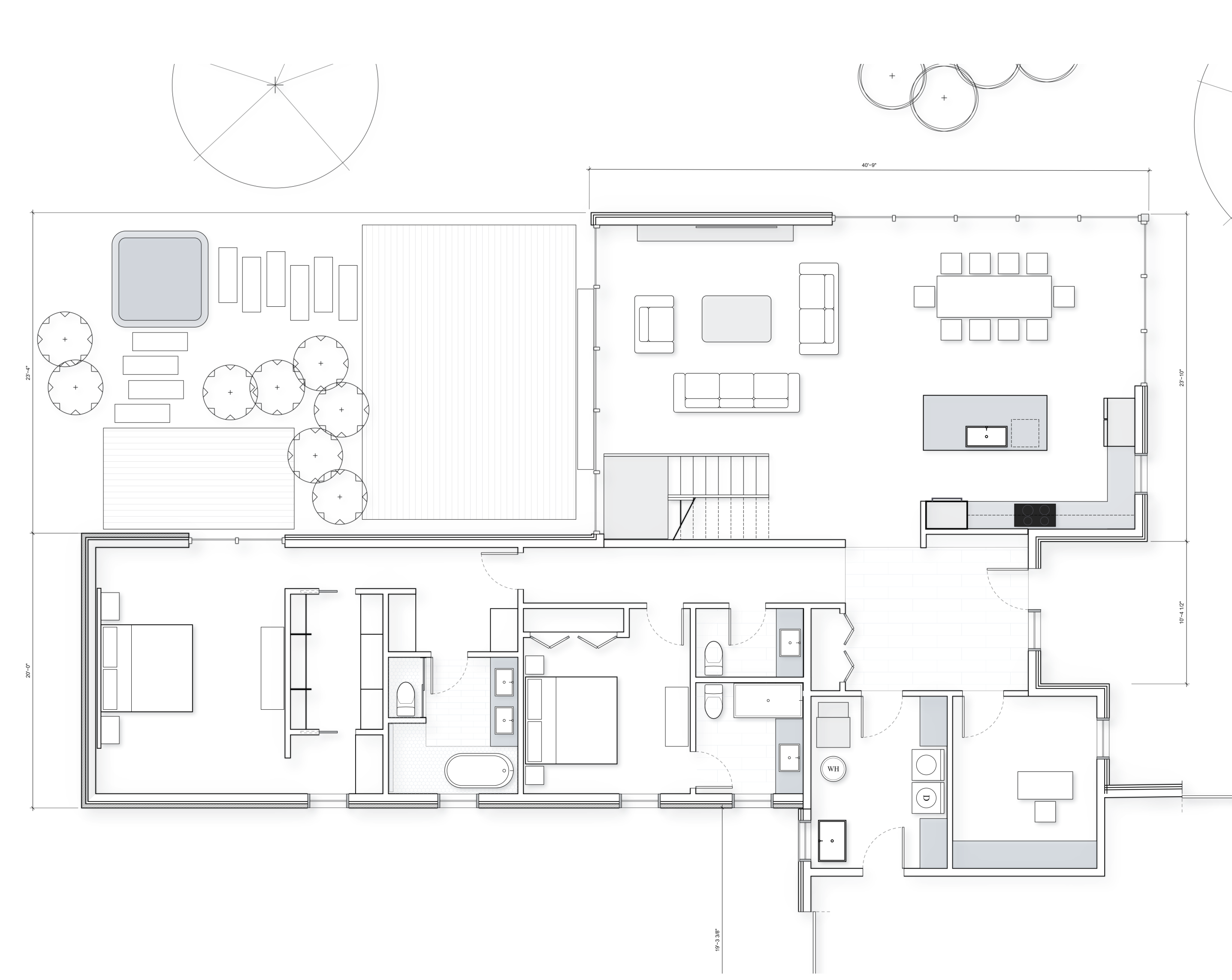
Generate dimensionally accurate concept sketches without the need to fire up your BIM or CAD application.
- Draw to scale with CAD-like precision
- Drop in doors, windows, and fixtures from the built-in object library
- Enable rapid design iteration with parametric objects
- Save frequently used groups for easy reuse
Markups and takeoffs
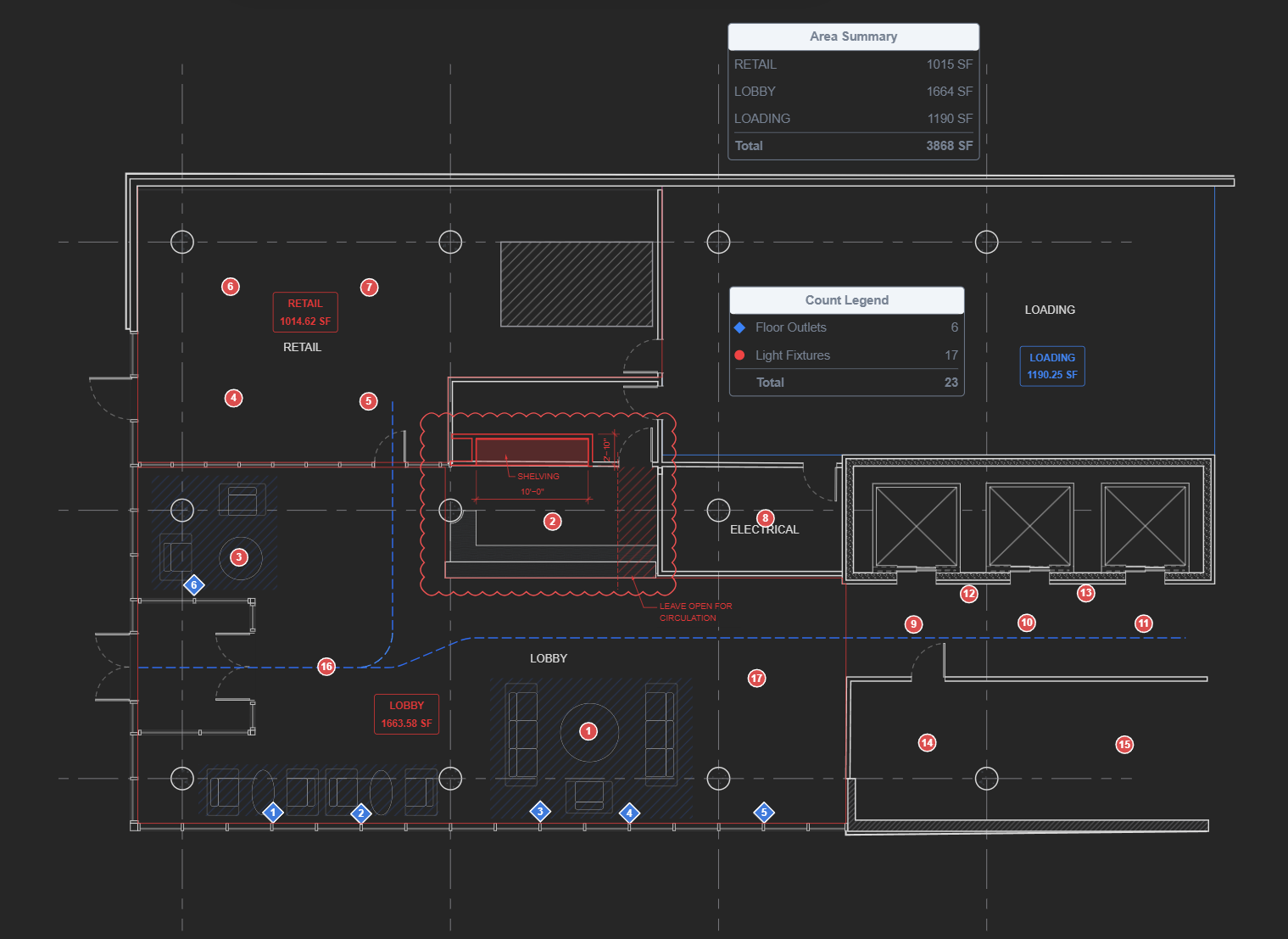
Redline PDFs, measure straight off the sheet, and pull quantities without guesswork.
- Drawing tools snap to PDF geometry for accurate areas and dimensions
- Perform quantity takeoffs, generate count summaries
- Export summary tables to CSV files

Seamless collaboration
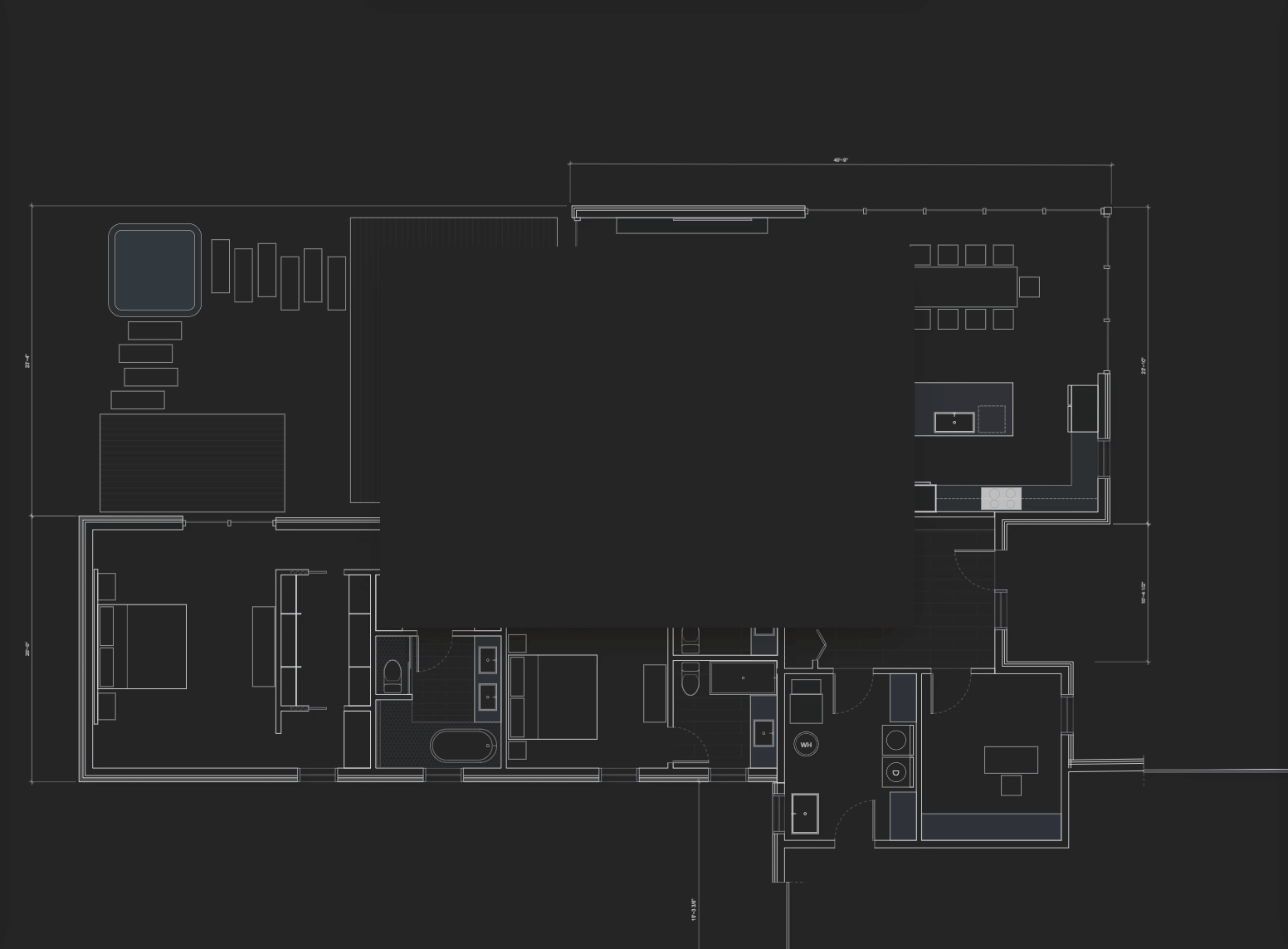
Add your team members to projects. Send view-only links for hassle-free sharing.1
- Invite clients and consultants to view or comment
- Comments and edits are synced automatically
- Connect your own cloud storage to keep your files secure1
Organized drawing sets
Stay on top of document control and always know which sheet is current.
- Organize drawings with simple drag-and-drop operation
- Automatically extract sheet information from title blocks
- Export any drawing set on demand
- Keep drawings on your server, or in your cloud storage for access anywhere1
Upgrade your Workflow
From Concept
to as-builts
Draw, collaborate, and keep records of revisions.
Concept Sketch
Lay out drawings to scale while the idea is fresh, then refine them as the design takes shape.
Collaboration
Share drawings with your team and stakeholders to get feedback directly on the drawings; skip the exports, uploads, and emails.
Document Control
Drop revised PDFs into the drawing set manager. Linimo files each one as the next revision and keeps earlier ones a click away.
- 1 Cloud storage integration connects Linimo to your own Google Drive or Microsoft OneDrive account, so your drawings stay in storage you own and control. An active account with the respective provider is required. Google Drive is a trademark of Google LLC and OneDrive is a trademark of Microsoft Corporation; neither company is affiliated with, sponsors, or endorses Linimo. Your use of those services remains subject to their own terms of service and privacy policies.
- 2 Linimo runs in the browser. For the best performance and full feature availability we recommend the latest version of a Chromium-based browser such as Google Chrome, Microsoft Edge, Brave, or Opera. Some features may be limited or unavailable on other browsers or on older versions.